



LINKUP PCIe 5.0 Riser Cable – Right Angle, Black
- Regular price
-
$57.96 - Regular price
-
- Sale price
-
$57.96
30-day free trial
Available gift wrapping
3 years warranty
Couldn't load pickup availability
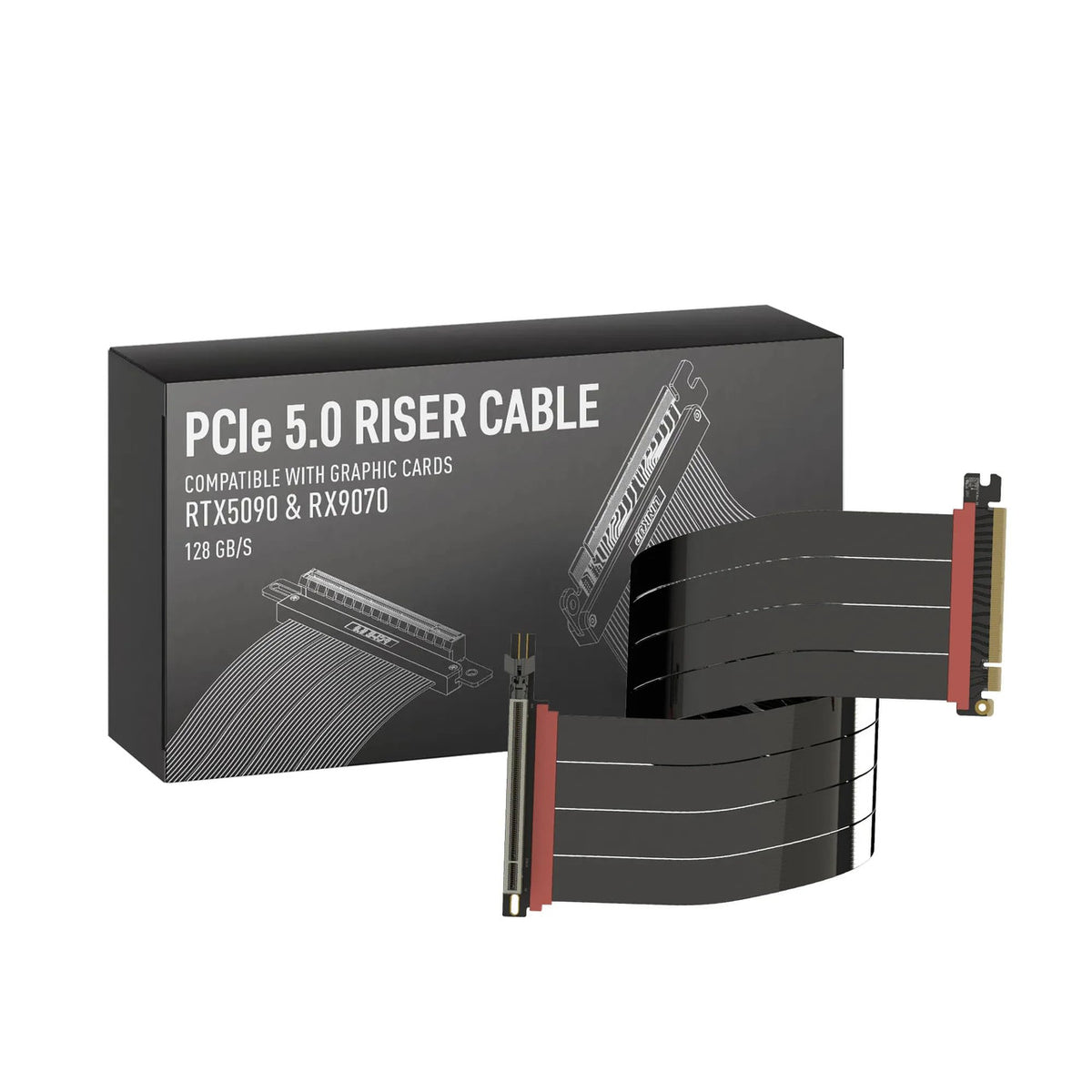
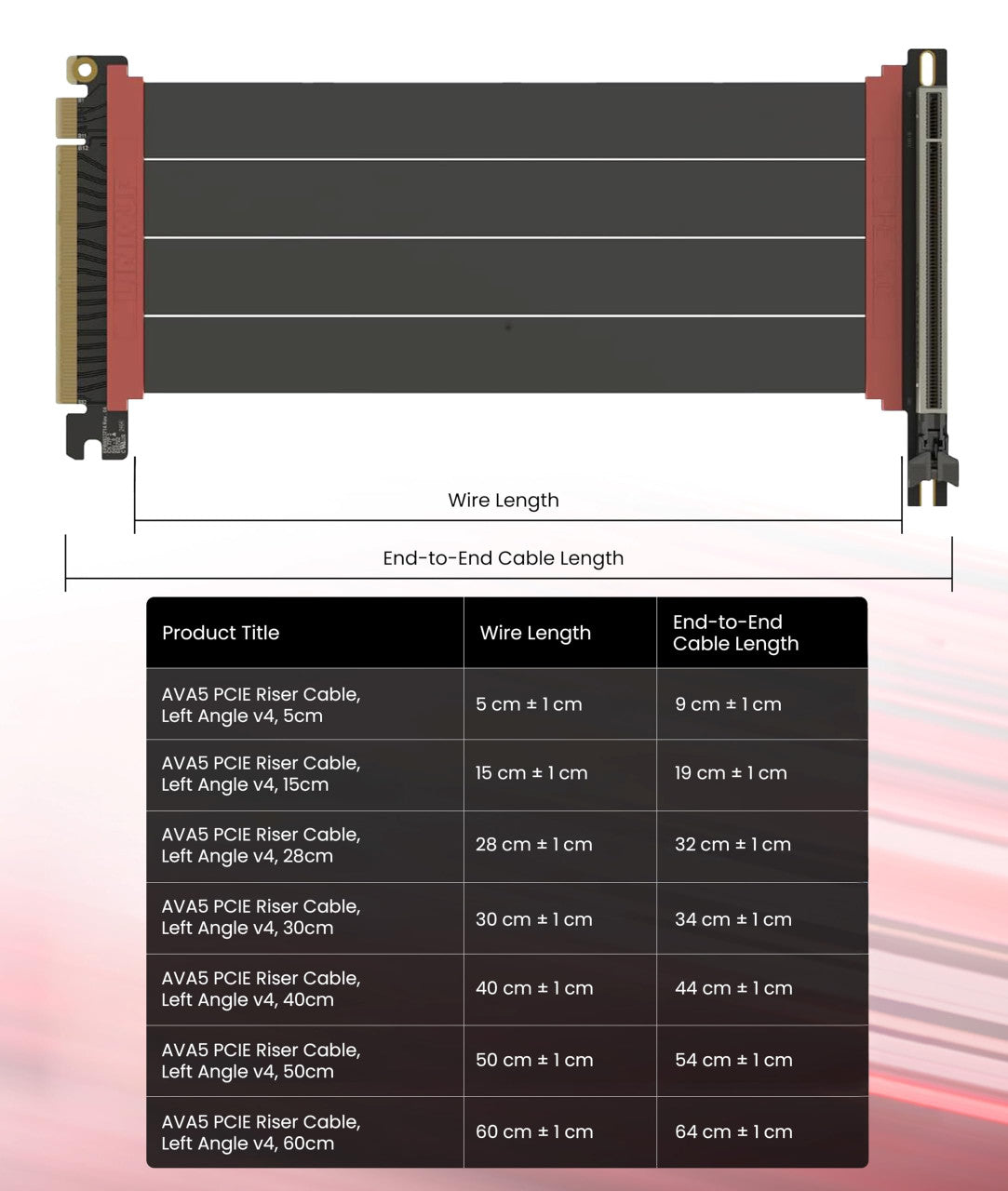
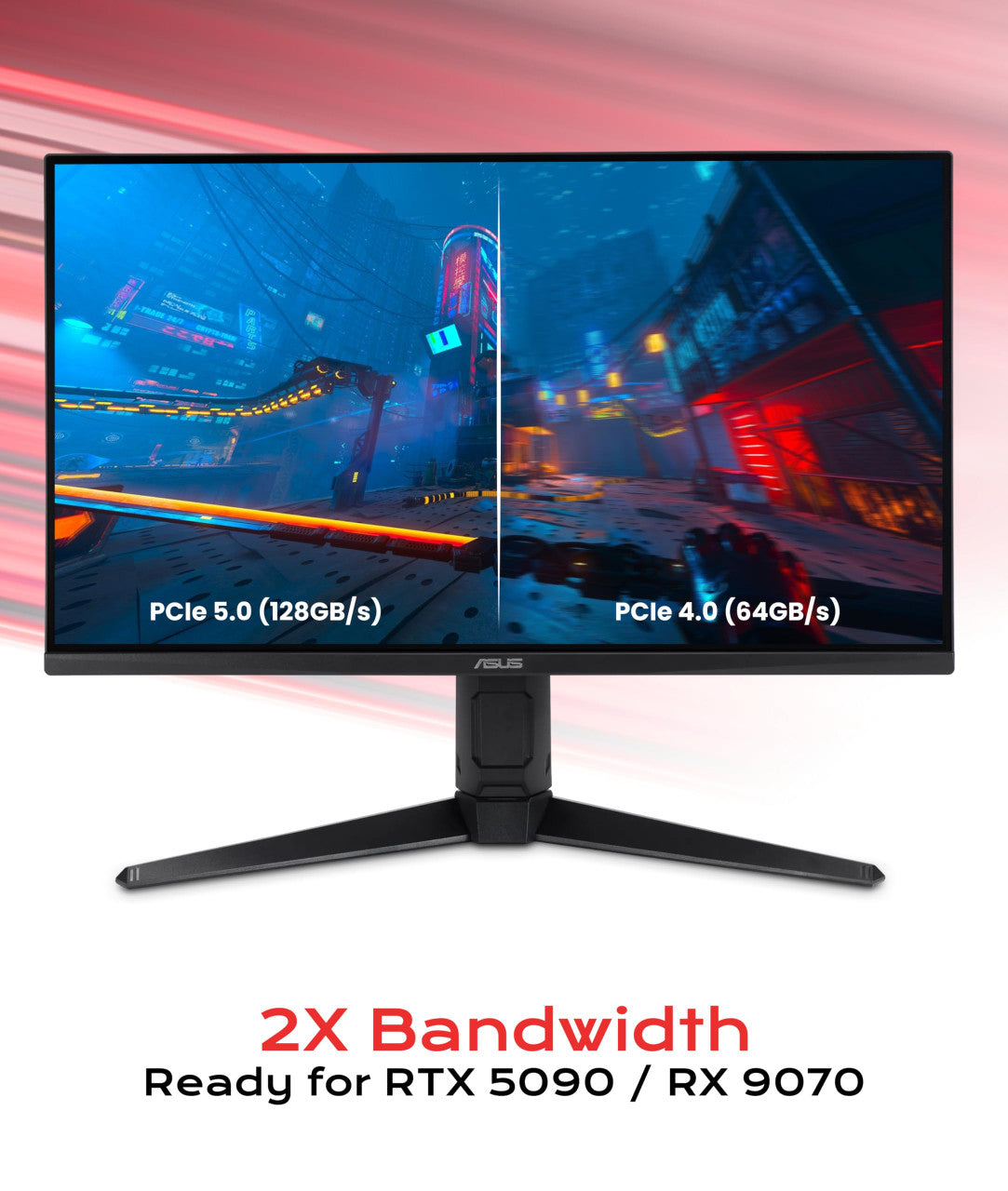

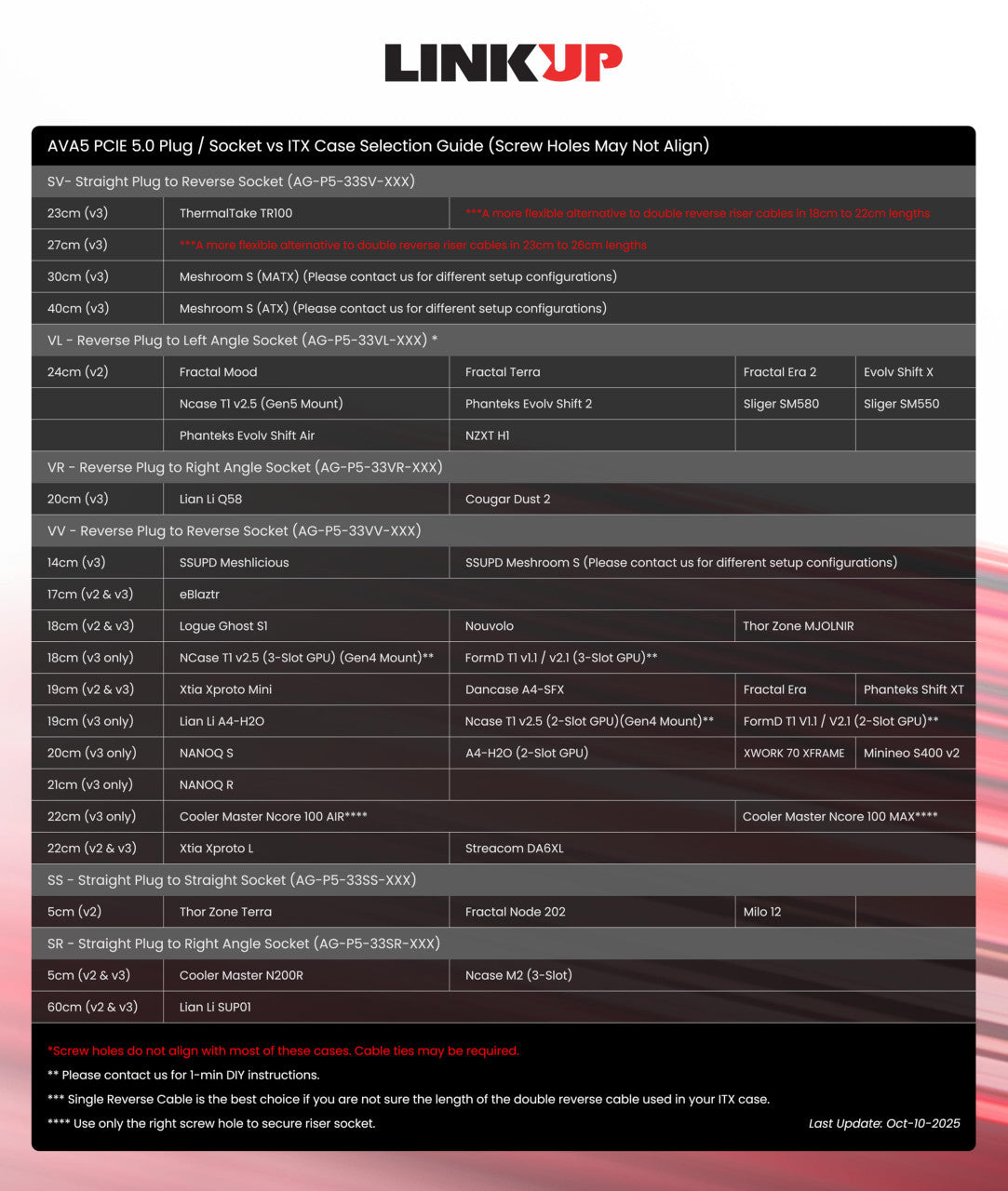

Compatible PC Cases & Mounts
These recommendations are linked to this specific riser cable.
| Brand | Case / Mount | Configuration | Installation Notes |
|---|---|---|---|
| Antec | Cannon | Standard configuration | — |
| ARCTIC | Xtender VG | Standard configuration | — |
| ASUS | ProArt PA401 | Standard configuration | — |
| ASUS | ROG Hyperion GR701 | Standard configuration |
The screw holes may not align with or reach the case mounting holes. Use standoffs for support, or leave the riser cable unsecured to the case. The built-in GPU lock will keep the cable secured to the GPU, so screws are not required. |
| ASUS | ROG Strix Helios | Standard configuration | — |
| ASUS | TUF Gaming GT502 | Standard configuration | — |
| be quiet! | Light Base 600 LX | Standard configuration | — |
| be quiet! | Light Base 900 FX | Standard configuration | — |
| be quiet! | Pure Base 501 LX | Standard configuration | — |
| be quiet! | Shadow Base 800 | Standard configuration | — |
| be quiet! | Silent Base 802 | Standard configuration | — |
| Cooler Master | NR200 | Standard configuration | The 6cm cable may be slightly long for some configurations and may need to be bent slightly to fit. This is safe and will not affect cable performance. |
| Cooler Master | Vertical Graphics Card Holder Kit v3 | Standard configuration | Only the right screw hole will align with the mounting bracket. One screw is sufficient to secure the cable in place. |
| Corsair | 3000 series | Standard configuration | — |
| Corsair | 4000 series | Standard configuration | The provided Installation Guide shows the Corsair 3000 Series, but the cable length and installation method are the same for the Corsair 4000 Series. See Installation Guide for reference. |
| Corsair | 5000 series | Standard configuration |
The provided Installation Guide shows the Corsair 3000 Series, but the installation method is the same for the Corsair 5000 Series. See Installation Guide for reference. The only difference is that the recommended cable length for the Corsair 5000 Series is 20cm, compared to 15cm for the Corsair 3000 Series. |
| Corsair | 6500 series | Standard configuration | A vertical GPU mounting bracket is required for vertical installation. |
| Corsair | 7000 series | Standard configuration | — |
| Corsair | 9000 series | Standard configuration | — |
| Cougar | FV270 | Standard configuration | — |
| DeepCool | MORPHEUS | Standard configuration | — |
| Fractal Design | Define 7 XL | Standard configuration | — |
| Fractal Design | Meshify 2/3/C | Standard configuration | — |
| Fractal Design | Meshify XL Series | Standard configuration | — |
| GAMDIAS | NESO P1 | Standard configuration | — |
| HAVN | HS 420 | Standard configuration | The screw holes will not align. The riser cable can be secured using standoffs that support the sides of the PCB, or it can be installed without being screwed into the case. The built-in GPU lock will keep the cable secured to the GPU, so screws are not required. |
| HYTE | Y60 | Standard configuration |
Only the left screw hole will align with the mounting bracket. One screw is sufficient to secure the cable, thanks to the built-in GPU lock. The Installation Photo shows the HYTE Y70, but the installation method is the same for the HYTE Y60. See Installation Photo for reference. |
| HYTE | Y70 | Standard configuration | Only the left screw hole will align with the mounting bracket. One screw is sufficient to secure the cable, thanks to the built-in GPU lock. |
| Lian Li | LANCOOL 216 | Standard configuration | — |
| Lian Li | O11 DYNAMIC EVO | Standard configuration | A vertical GPU mounting bracket is required for vertical installation. |
| Lian Li | O11 DYNAMIC EVO XL | I/O facing up, cable routed behind motherboard | — |
| Lian Li | O11 DYNAMIC EVO XL | I/O facing down, cable routed in front of motherboard | — |
| Lian Li | O11 DYNAMIC EVO XL | I/O facing down, cable routed behind motherboard | — |
| Lian Li | O11 DYNAMIC Mini V2 | Standard configuration | — |
| Lian Li | O11 DYNAMIC XL | Standard configuration | A vertical GPU mounting bracket is required for vertical installation. |
| Lian Li | O11 Vision | Standard configuration | A vertical GPU mounting bracket is required for vertical installation. |
| Lian Li | SUP01 | Standard configuration | — |
| Lian Li | VG4-4 Bracket | Standard configuration | — |
| Midori | 5L v2.2 | Standard configuration | — |
| Midori | 5L v2.3 | Standard configuration | — |
| MSI | Maestro 700L P | Standard configuration | — |
| MSI | MAG Pano 100L PZ | Standard configuration | — |
| NCASE | M2 | Standard configuration | — |
| NZXT | Vertical GPU Mounting Kit | Standard configuration |
Required for vertical GPU installation in the NZXT H5, NZXT H6, NZXT H7, and NZXT H9 series. The screw holes will not align, but this is not required for installation. As long as the GPU is firmly secured to the mounting kit, the built-in GPU lock will keep the riser cable secured to the GPU. The riser cable can safely rest on the mounting kit's standoffs. |
| Okinos | Aqua 9 | Standard configuration | — |
| PCCOOLER | CPS C3 T700 | Standard configuration | — |
| Phanteks | Eclipse P500A | Standard configuration | — |
| Phanteks | Eclipse P600S | Standard configuration | — |
| Phanteks | Enthoo 719 | upper level w/ vertical mount | — |
| Phanteks | Enthoo 719 | lower level | — |
CLEAN AND STABLE
A stable, clean mounting solution designed for LINKUP PCIe riser cables.